
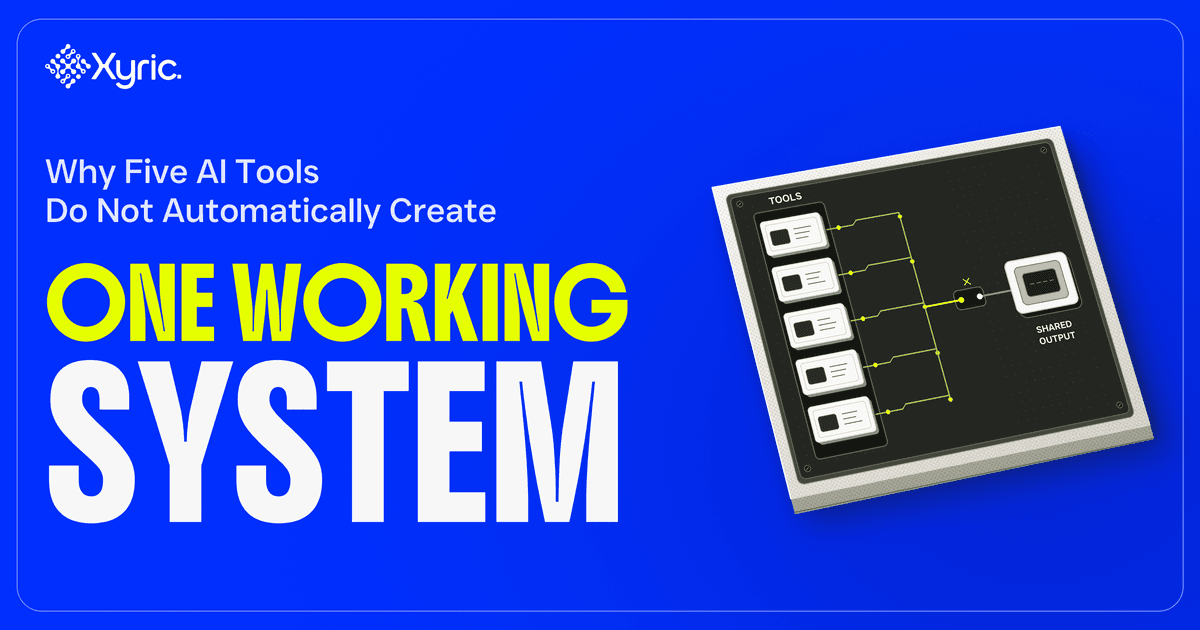
If people still copy results between apps, rebuild missing context, and chase the next owner, the company has more tools but not a better workflow. A sales team uses one tool to transcribe calls, another to summarize them, a third to draft follow-ups, a CRM to store leads, and a dashboard to track the pipeline. After each call, a salesperson copies the recap, fixes the company name, creates the CRM activity, pastes the follow-up into email, and updates the status manually. Each tool works. The system does not.
Quick answer: Separate AI tools become a connected system when a clear trigger moves trusted information through defined AI and rule-based tasks into an approved action, shared record, named owner, and measurable outcome. Integration must also include access rights, failure handling, logs, review, and a safe manual path.
Why disconnected tools create hidden work
Each product sees only part of the process. People become the integration layer. They:
- Duplicate data between systems
- Reformat outputs
- Decide which record is current
- Match customers across tools
- Re-enter status updates
- Notice failed steps
- Chase the next owner This work may not appear in the product demonstration or licence price. It appears in employee time, errors, delays, and lost visibility.
What parts make a connected system?
A useful workflow often contains nine parts.
1. Trigger
The event that starts the work, such as a form submission, customer email, approved order, or scheduled review.
2. Input
The data and files needed for the task, with clear sources and access rights.
3. Interpretation
AI may classify, extract, summarize, or predict when the input contains variation.
4. Rules
Fixed logic checks required fields, thresholds, rule conditions, and allowed actions.
5. Human review
High-risk, uncertain, rare, or high-impact cases move to a qualified person.
6. Action
The workflow sends a message, creates a task, updates a record, or prepares a choice.
7. System of record
One approved site holds the current status and past.
8. Owner
A named person or team is responsible for the next step and the business outcome.
9. Monitoring
The team can see completion, errors, edge cases, quality, and business results.
A connected lead-handling example
Consider a website inquiry.
- A form captures the contact and problem description.
- Validation checks needed fields and consent.
- AI classifies the inquiry by service and urgency.
- Rules route it by region, account status, and service line.
- Low-confidence or high-risk inquiries move to manual review.
- The CRM stores the inquiry, classification, owner, and source.
- An approved acknowledgement is sent.
- A dashboard shows response status and unresolved cases. The workflow does not end with generated text. It ends with clear ownership and a recorded next step.
When is a simpler solution enough?
Do not connect five products when a form, rule, and shared record solve the problem. Use the simplest approach that can handle the real variation. Add AI when it contributes a clear ability such as interpreting open text, extracting from variable files, or making a forecast. Microsoft's automation guidance recommends choosing tools for the task rather than procuring preferred tools first. It also advises teams to manage automation as a workload component with security, testing, and monitoring.
Integration is also a control problem
Linked systems can reach more data and take more actions. That makes control more key. Define:
- Which identity runs each step
- What data each tool may access
- Which actions need sign-off
- How secrets and credentials are managed
- What information may leave the business
- What gets logged
- What happens when a step fails
- How duplicate events are handled
- How the workflow is paused and rolled back A smooth path without a failure path is a demonstration, not a working system.
Measure the complete outcome
Do not measure only generated summaries or automated messages. For lead handling, track:
- Time to first owned response
- Missing facts
- Routing fixes
- Duplicate records
- Unassigned leads
- Follow-up completion
- Conversion by qualified segment
- Edge cases requiring manual review These measures show whether the system moves work forward rather than producing more activity.
How to evaluate an AI tool stack
Before buying another product, ask:
- Which workflow step does it own?
- What facts enters and leaves?
- How does it connect to the system of record?
- What happens when it is uncertain or unavailable?
- Which access rights does it need?
- Who monitors it?
- What business measure should change?
- Can an existing tool or rule do the job? If the answers are unclear, the tool may add another handoff instead of removing one.
Nine signs of a sound system
- The system has one clear start.
- The system knows the case owner.
- The system uses approved facts.
- The system logs each key step.
- The system checks each handoff.
- The system flags missing fields.
- The system sends rare cases to a person.
- The system can stop without losing work.
- The system shows the final result.
Tools matter, but the full flow creates the value.
Frequently asked questions
Does a connected system require one vendor?
No. A connected workflow can use many products when responsibilities, data movement, ownership, controls, and monitoring are clear. One vendor can also contain disconnected modules.
What is the system of record?
It is the approved location where the business expects the current, authoritative record to live, such as a CRM, ERP, ticketing platform, or controlled database.
Should every tool connect directly to every other tool?
No. Point-to-point links can become hard to manage. Use a clear architecture, stable interfaces, event handling, and a defined system of record.
How should a business start connecting AI tools?
Map one workflow from trigger to outcome. Find manual handoffs, choose the authoritative record, define controls, and connect the smallest useful path first. Related reading: How disconnected tools create data silos Book a discovery call to map one tool stack into a controlled end-to-end workflow. Service connections: Xyric Optimize and Xyric Launch Case to examine: What the Klarna AI support case can teach business teams
Sources
- Recommendations for implementing automation, Microsoft Learn, updated 2026-04-08.
- Overview of process mining and task mining, Microsoft Learn, accessed 2026-10-15.
- NIST AI Resource Center, accessed 2026-10-15.